Like it or not, YAML is part of working with Kubernetes.
Most changes to a cluster should go through CI/CD or GitOps. But when you're troubleshooting in production, or trying something out in a test cluster, you need to see a resource's full definition and change a field or two right now.
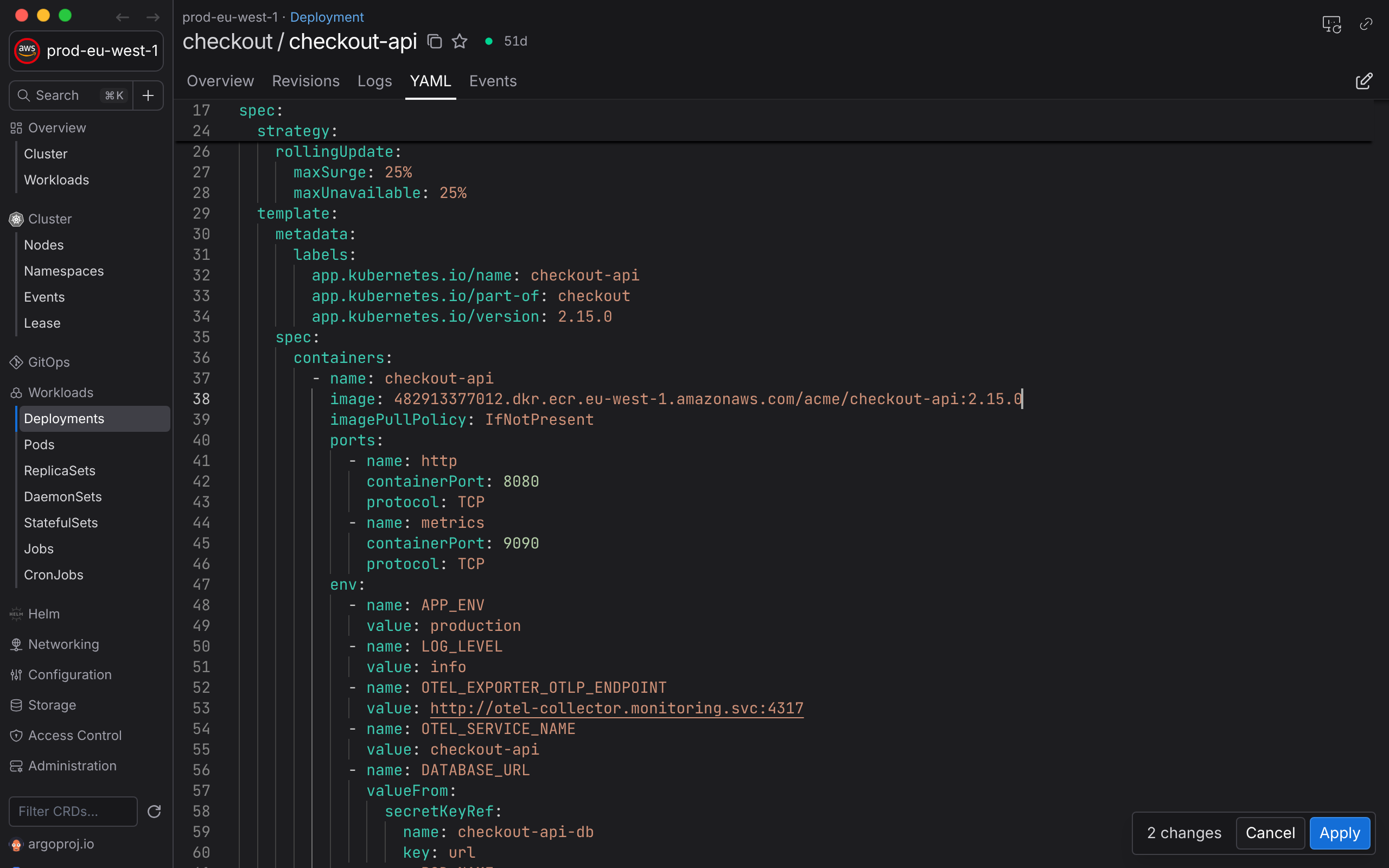
Aptakube has a YAML editor built in, so you can do that without leaving the app or opening a terminal.
Edit in place
Open the YAML tab of any resource, including Custom Resources, and press Cmd/Ctrl + E to edit it. The editor has syntax highlighting, search and collapsible sections, and counts your changes as you go. Press Cmd/Ctrl + S when you're done.
Review before you apply
Before anything is sent, you can review your changes as a diff, or as the JSON Patch that goes to the API server. Aptakube patches only the fields you changed, instead of replacing the whole resource, so it doesn't undo changes that a controller or a teammate made in the meantime.
Know when the cluster changed first
If the resource changes on the cluster while you're editing, the editor tells you. Compare the two versions, then load the latest one or carry on with your edits.
Your permissions still apply
Changes go through the Kubernetes API with your own credentials, so RBAC applies. If you're not allowed to change a resource, the cluster rejects it and Aptakube shows you why.
Compare two resources
Need to know why one Deployment works and the other doesn't? Compare any two resources side by side, even from different clusters. Show only the differences, or only the spec and data, to skip metadata and status.
When you just want to read a resource, the Resource View shows its most important fields in a friendlier format.